


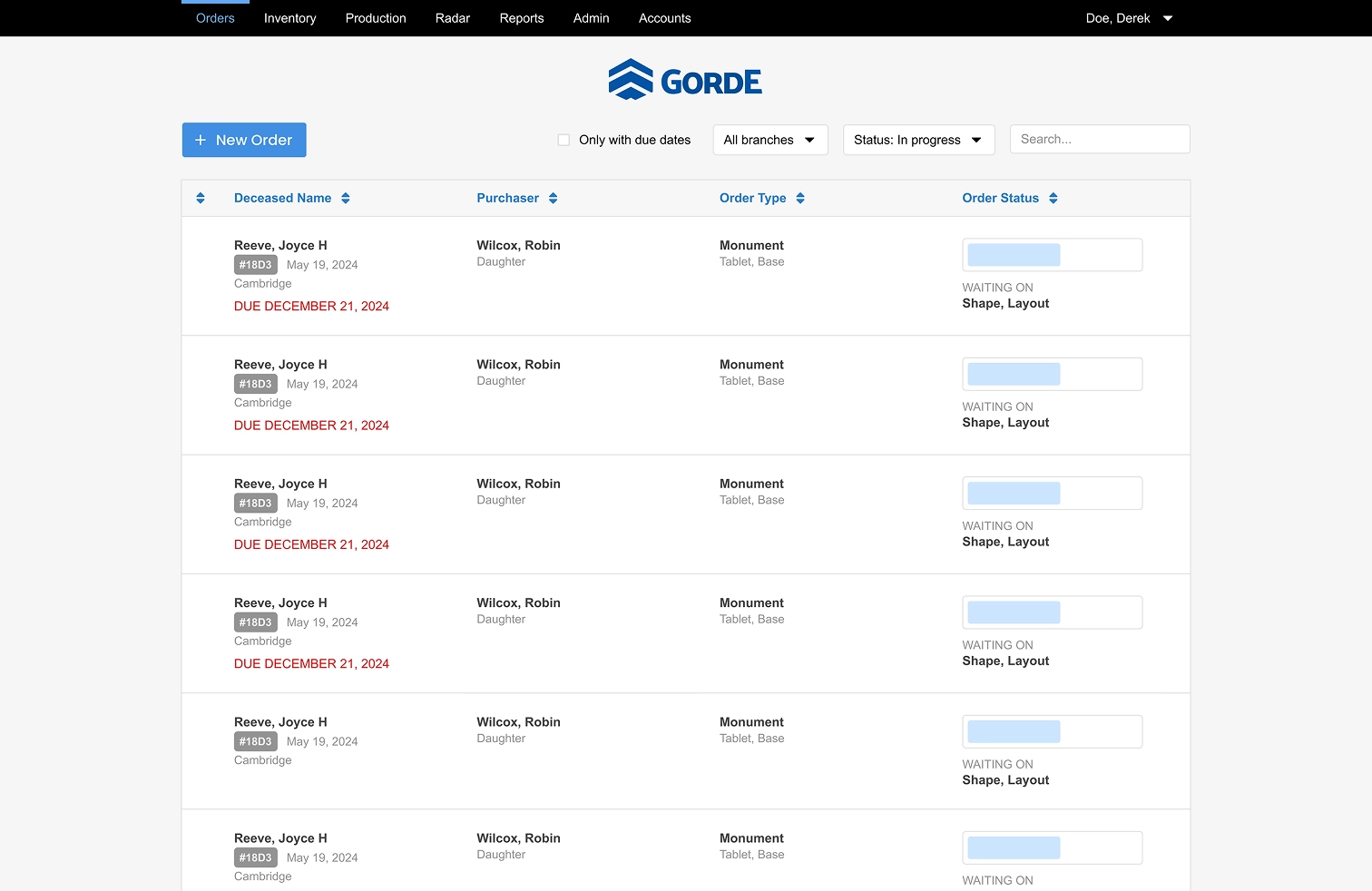
GordE is a production and order management platform built specifically for monument builders to bring clarity, structure, and accountability to every step of their workflow.
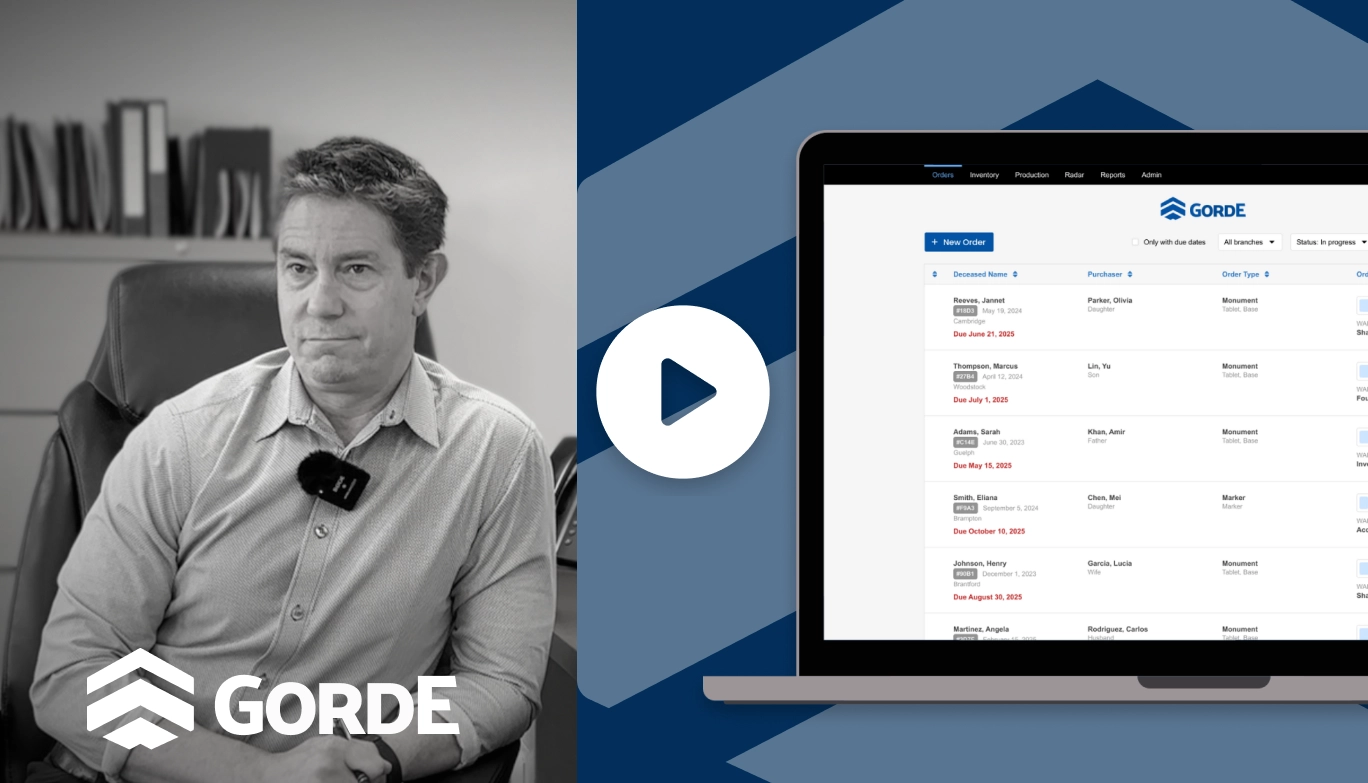
Check out GordEOrigin
GordE began as an internal production tracking system built for Superior Memorials, a monument builder managing sales, design, production, and installation in house. It was created to bring structure to a paper and spreadsheet driven process. When I joined, the system was being used by a single company. My role focused on evolving it into a scalable SaaS product that could support multiple monument builders with different workflows, branch structures, and operational needs.
Problems Solved
Monument builders manage complex workflows that involve sales, design, production, foundations, delivery, and accounting. Most companies relied on paper folders, Excel spreadsheets, or disconnected systems to track orders and materials. This often led to missed details, delayed installations, unclear status updates, and manual rework. GordE addresses these gaps by creating a single source of truth for every order, improving visibility, reducing errors, and supporting smoother handoffs between departments.
How It Works
GordE connects the full lifecycle of a monument order, from entry through delivery. Orders move through structured stages including accounting approval, purchase ordering, inbound material tracking, production, and installation. Each department works within the same system with real time visibility into order details, materials, and status. By integrating procurement, planning, and documentation into one workflow, GordE replaces fragmented tools with a unified operational system.
The focus is not adding more software. It is reducing friction in how the business runs.
My Role
Product Lead, UX Designer, Customer & Growth Lead
I led product direction and UX design while working directly with customers and developers. I defined feature requirements, designed workflows, wrote technical tickets, and supported releases and onboarding. My focus was transforming a single company tool into a scalable SaaS product.
Team
2–3 Software Engineers, Operations Leadership at Superior Memorials
Timeline
January 2025 - Present
Customers
GordE serves monument builders that manage production internally and coordinate across multiple departments. These companies value accuracy and operational clarity but often rely on manual systems. GordE provides structure and visibility without adding technical complexity.
Define the Problem
When GordE began expanding beyond its original internal use, inventory tracking emerged as a recurring gap. Monument builders were managing materials in Excel or accounting software, disconnected from production workflows. This created manual reconciliation, planning uncertainty, and operational risk.
Granite materials often have long lead times. Without visibility into what was in stock, assigned to active orders, or already ordered, teams risked delays and miscalculations. Inventory also became a sales blocker. Several companies hesitated to adopt GordE without integrated material tracking.
The problem was not simply counting materials. It was aligning physical inventory with active production work in a scalable way.
Research & Understand Constraints
I conducted structured conversations with four monument companies representing more than forty branches. I reviewed their spreadsheet systems and observed how materials were updated during order creation and purchasing.
Key Insights:
Inventory was always managed outside the production system (Ex. Excel, Acomba).
Updates were manual and error prone.
Teams needed visibility into three states: in stock, assigned, and ordered.
Larger operations required forward planning visibility, not just current counts.
Constraints:
Granite procurement involves confirmation and physical recieeipt stages.
The system needed to remain simple for non technical users.
Frontend is NodeJS
The system must distinguish between in stock, assigned, and ordered states.
All interviewed companies tracked these states manually in spreadsheets. Teams needed to understand not just total quantity, but availability relative to active production and incoming supply. A single quantity field would not reflect real planning behavior.
Inventory allocation must occur directly within the purchase order stage rather than exist as a separate module
Research showed inventory updates were triggered by order activity. Because material decisions happen during purchase ordering, separating inventory from this workflow would reintroduce manual reconciliation, the very issue we were solving.
Material quantities must update automatically when assigned to orders or marked as received.
All customers described manual spreadsheet adjustments as error prone and time consuming. Eliminating duplicate entry was central to reducing operational friction and improving system trust.
The system must differentiate between supplier confirmation and physical receipt of materials.
Granite procurement includes a confirmation stage before shipment arrives. Larger operations emphasized the need to distinguish between acknowledged orders and physically available stock to avoid planning errors.
I designed the inventory system in Figma, building interactive prototypes to model both the data structure and workflow integration. Throughout the process, I worked closely with the team at Superior Memorials, reviewing flows and refining interactions based on how they actually managed materials day to day. Their involvement helped validate assumptions early and ensured the system aligned with real operational behavior before development began.
Inventory Data Model
Each inventory item includes: Type, Size, Colour, Finish, and Shape. This is the data structure that exists for all items that require procurement. See and example of a granite item

Three dynamic quantities were also introduced: In Stock, Assigned, and Ordered
Workflow Integration
Inventory was embedded into the purchase order stage. When selecting a supplier, users could allocate materials from stock. Treating stock as a supplier option preserved workflow consistency.
Inbound material tracking differentiated between:
- Confirmed by supplier
- Physically received
Stock allocations were automatically confirmed and received. Ordered materials followed the full confirmation cycle. Prototypes were designed in Figma, reviewed with customers, and iterated before development. I wrote the technical specifications and QAed implementation.
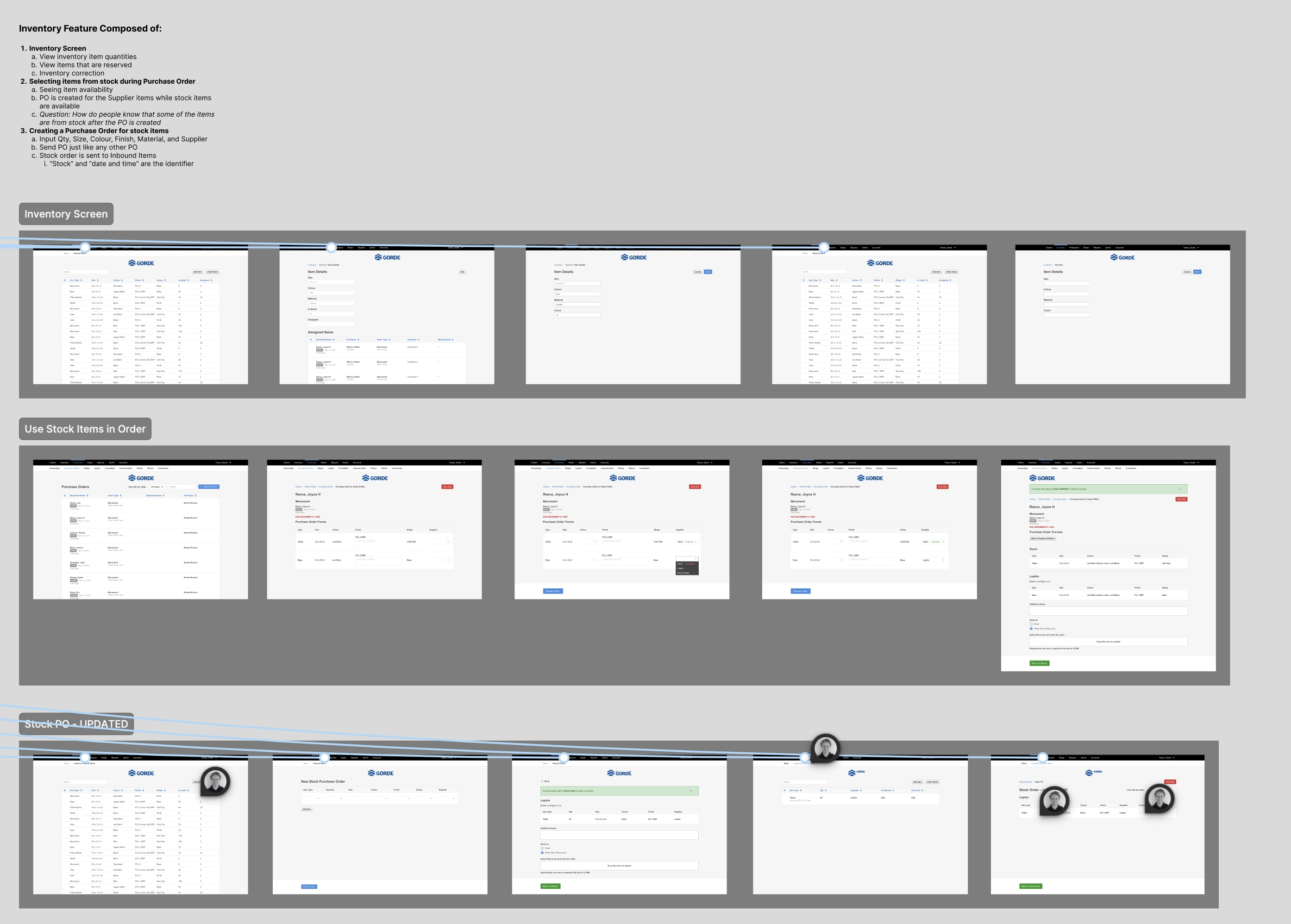
Workflow Integration: Inventory Management
The inventory management screen provides a centralized view of all materials in the system. Its purpose is to make material availability immediately understandable without requiring users to cross reference orders or external tools.
The table is structured around three state based columns:
In Stock: physically available materials
Assigned: materials allocated to active orders
Ordered: materials on purchase orders but not yet received
This model was intentional. Rather than presenting a single quantity, the screen reflects how materials move through the business, giving teams visibility into current supply, committed work, and incoming inventory at a glance.
Each item is defined by required attributes such as type, size, shape, color, and finish. These match the attributes used in orders, ensuring consistent system logic. Users can create new items by defining these attributes and setting an initial stock quantity, which can be adjusted as needed.
Selecting an item reveals its assigned orders and allows users to generate replenishment purchase orders, keeping inventory management directly tied to production planning.
The design focuses on clarity and state visibility, reinforcing inventory as an active operational layer within the product.
Workflow Integration: Purchase Order
The purchase order stage is where the business selects the supplier for each granite item in an order. This became the natural point to integrate inventory allocation.
When a user reaches this step, the system evaluates the granite specified in the order and checks for matching items in inventory based on defined attributes such as type, size, colour, finish, and shape. If a match exists, “Stock” appears as a supplier option in the dropdown, along with the current available quantity.
This allows users to allocate materials directly from their existing inventory within the same workflow, eliminating the need to reconcile stock manually outside the system.
Workflow Integration: Inbound Items
The Inbound Items section is where materials are confirmed and marked as received for each order. It provides visibility into all granite associated with active purchase orders.
Originally, this view only reflected materials ordered from external quarries. As part of the inventory integration, I expanded the logic to include stock allocations as well. When a material is sourced from inventory, it appears in the inbound view alongside quarry orders, but is automatically marked as confirmed and received since it is already physically available.
This ensures that stock items remain part of the order fulfillment flow without requiring separate handling. The result is a consistent receiving experience, whether materials are coming from a supplier or internal inventory.
Adoption
Users fully migrated inventory
Unique inventory items
Customers reported that eliminating manual spreadsheet tracking significantly reduced administrative overhead. The most consistent feedback was appreciation for inventory being directly integrated into production workflows rather than maintained as a separate system.
Next Steps
Inventory evolved from a missing capability into a strategic system layer. Version 2 directions include:
Time based inventory usage reporting
Low stock alerts and threshold triggers
NFC tagging for physical material tracking
Automated reorder logic
Next Project: